Remote Desktop Getting Started
Last updated: 8/19/2026 8:23:39 AM
Connecting to a Client
Get the client's Support ID
Ask the client to open Car Connector Remote Desktop and give you their Support ID.
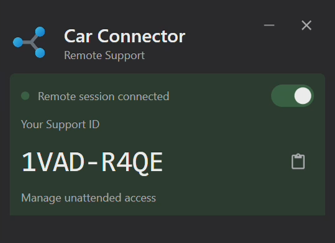
- Enter the Support ID
Enter the ID into Connect to remote host.
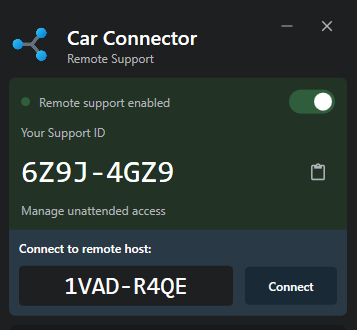
- Click Connect
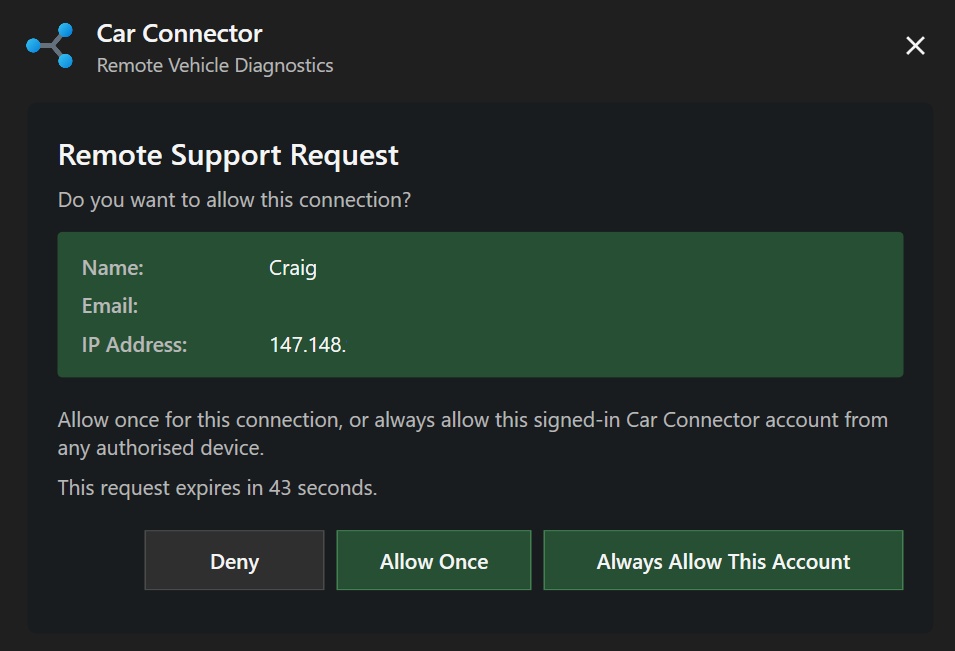
- Client accepts the connection
The client will be asked to approve your connection, you may allow once or always allow for unattended access.
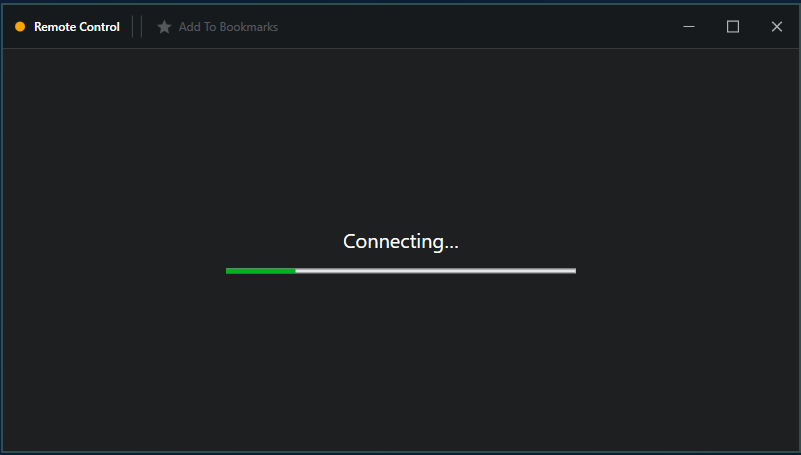
Once accepted, the Remote Desktop session will open.